

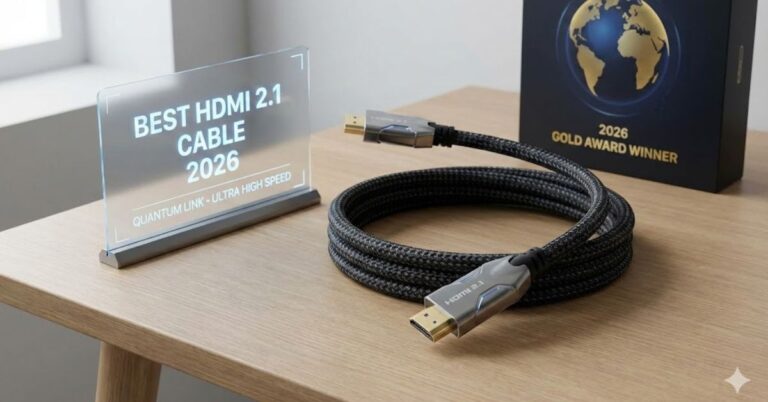
You’ve finally secured that PlayStation 5, Xbox Series X, or a stunning new LG OLED TV. You plug everything in, fire up a game, and… the screen flickers. Or worse, you check your video settings and see you’re locked at 60Hz instead of the buttery-smooth 120Hz you were promised.
The culprit is often the one thing people overlook: the cable.
While all HDMI cables look nearly identical, the difference between an older cable and the best HDMI 2.1 cable is massive. To handle the massive data bandwidth required for 4K at 120Hz or 8K resolution, you need a cable built for speed specifically, 48Gbps.
In this guide, we cut through the marketing fluff to bring you the top-rated, certified Ultra High Speed HDMI cables that actually deliver on their promises. Whether you are a hardcore gamer or a home theater enthusiast, here is how to get the best picture possible.
Table of Contents
What is an HDMI 2.1 Cable? (And Why You Actually Need One)
Before we jump into the reviews, it is vital to understand why you are upgrading.
In the past, HDMI cables were simple. But with the jump from HDMI 2.0 to HDMI 2.1, the bandwidth requirement more than doubled, leaping from 18Gbps to 48Gbps.
If your cable cannot handle that speed, your expensive TV or console will automatically downgrade your experience. You might lose features like:
- 4K at 120Hz: Essential for competitive gaming on PS5 and Xbox Series X.
- VRR (Variable Refresh Rate): Prevents screen tearing and stuttering.
- eARC (Enhanced Audio Return Channel): Passes uncompressed Dolby Atmos audio to your soundbar.
- Dynamic HDR: Adjusts brightness and contrast frame-by-frame for superior image quality.
Pro Tip: Look for the “Ultra High Speed” label. If a cable says “2.1 compliant” but lacks the official certification QR code, proceed with caution.
The Best HDMI 2.1 Cables for 2026: Reviewed & Ranked
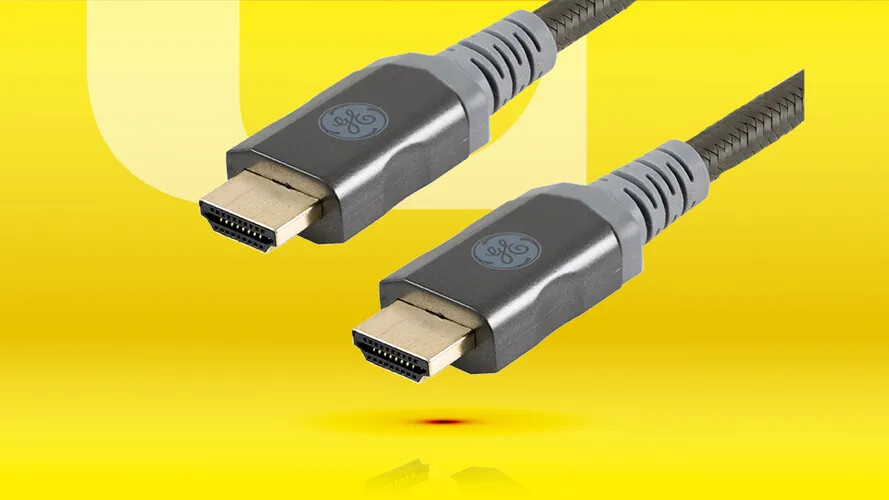
We have selected these cables based on certification status, signal stability testing, build quality, and value.
1. Zeskit Maya Ultra High Speed HDMI Cable
Verdict: The Best Overall HDMI 2.1 Cable
The Zeskit Maya is widely regarded by home theater enthusiasts and gamers as the gold standard for value and performance. It was one of the first cables to hit the market with official certification, and it remains the most reliable option for most setups.
Despite its reasonable price tag, it is fully certified, ensuring it handles the full 48Gbps bandwidth required for 4K/120Hz and 8K/60Hz without handshake issues.
- Pros: Officially certified, highly flexible (easy to route behind TVs), excellent EMI shielding.
- Cons: The branding on the connector is minimal (which some might actually prefer).
- Best For: Everyone gamers, movie buffs, and PC users.
2. Belkin Ultra HD High Speed HDMI Cable
Verdict: The Premium Choice
If you want a cable that feels as premium as the device it connects to, Belkin is the go-to. Often sold directly by Apple and major electronics retailers, this cable is famous for its robust build quality and reliability.
While it is pricier than the competition, Belkin’s strict quality control means you are extremely unlikely to get a “dud.” It supports all HDMI 2.1 features, including Dolby Vision and ALLM (Auto Low Latency Mode), right out of the box.
- Pros: Top-tier durability, widely available, supports high-bandwidth data effortlessly.
- Cons: Significantly more expensive than Zeskit or Monoprice.
- Best For: Users who want a “buy it and forget it” premium solution.
3. Monoprice 8K Ultra High Speed HDMI Cable
Verdict: Best Budget HDMI 2.1 Cable
Monoprice has built a reputation for selling professional-grade cables at rock-bottom prices. Their braided 8K Ultra High Speed line is no exception. It carries the official certification QR code, ensuring it has passed the rigorous testing of the HDMI Forum.
It is rugged, reliable, and comes in various lengths. If you need to buy cables for an entire home theater system without breaking the bank, this is your best bet.
- Pros: unbeatable price-to-performance ratio, lifetime warranty, sturdy connectors.
- Cons: The cable can be slightly stiff due to the thick gauge wire.
- Best For: Budget-conscious buyers and bulk setups.
4. Anker Ultra High Speed HDMI Cable
Verdict: Best for Gamers (PS5 / Xbox)
Anker is a powerhouse in charging and connectivity, and their HDMI 2.1 entry is fantastic. It features a high-quality braided exterior that resists tangling and wear. It is specifically marketed towards PS5 and Xbox Series X owners, guaranteeing compatibility with 120Hz modes and VRR.
- Pros: Durable nylon braid, premium look, Anker’s reliable warranty support.
- Cons: limited length options compared to others.
- Best For: Console gamers who want a durable, good-looking cable.
5. Ruipro 8K Fiber Optic HDMI Cable
Verdict: Best for Long Runs (Over 10ft/3m)
Here is a critical rule of physics: copper HDMI 2.1 cables struggle to carry a signal further than 10-15 feet (3 to 5 meters). If you need to run a cable from a projector to a rack in another room, a standard copper cable will fail.
Enter Ruipro. This is an Active Optical Cable (AOC), meaning it uses fiber optics to transmit the signal over long distances with zero loss. It is directional (one end marked “Source,” the other “Display”), but it is the only reliable way to get 48Gbps across a large room.
- Pros: Works perfectly over long distances (up to 50ft+), thin and flexible.
- Cons: Expensive; directional (must be plugged in the right way).
- Best For: Projectors and in-wall home theater installations.
How to Choose the Right HDMI 2.1 Cable (Buying Guide)
Not all cables are created equal. Here is the checklist you should use before clicking “buy.”
1. Check for the Certification Label
The Ultra High Speed HDMI Certification Program is your safety net. Look for a silver holographic QR code on the packaging. You can actually scan this with the official HDMI app on your phone to verify the manufacturer. If a cable claims to be “8K Ready” but lacks this label, it hasn’t been officially tested.
2. Watch the Length
For passive copper cables, shorter is always better. Signal degradation (attenuation) becomes a real issue with high-bandwidth 48Gbps signals.
- Under 6 feet (2m): Almost any certified cable will work perfectly.
- 6 to 10 feet (2-3m): Stick to high-quality certified brands (Zeskit, Monoprice).
- Over 15 feet (5m): You absolutely need an Active Optical Cable (AOC). Do not buy a 25ft copper HDMI 2.1 cable; it will likely cause signal dropouts.
3. Build Quality & Materials
While gold-plated connectors resist corrosion, don’t be fooled by marketing gimmicks like “nitrogen-injected dielectrics.” Focus on:
- Shielding: Good EMI (Electromagnetic Interference) shielding is crucial to prevent Wi-Fi or Bluetooth signals from messing with your picture.
- Connector Durability: A solid strain relief (where the cable meets the plug) prevents breakage.
Common Issues & Troubleshooting:
Even with the best HDMI 2.1 cable, things can go wrong. Here are common problems and fixes:
The “Handshake” Issue (Black Screen flickering) Sometimes the TV and console struggle to agree on the signal.
- Fix: Unplug both ends of the cable, power cycle the TV, and plug them back in. Ensure your TV’s firmware is updated.
Washed Out Colors (HDR not working)
- Fix: Ensure your TV’s HDMI port is set to “Enhanced” or “Deep Color” mode. On many TVs (like Sony or LG), you must manually enable the full bandwidth for the HDMI port in the settings menu.
No 120Hz Option on PS5/Xbox
- Fix: Check that you are plugged into an HDMI 2.1 port (often labeled 4K@120Hz or eARC). Also, verify the game you are playing actually supports 120Hz; many are capped at 60Hz.
Conclusion:
Upgrading to the best HDMI 2.1 cable is one of the cheapest ways to future-proof your entertainment setup. You don’t need to spend a fortune, but you do need to buy smart.
For most users, the Zeskit Maya or Monoprice Ultra High Speed cables offer the perfect balance of performance and price. Just remember: look for the holographic QR code, keep your copper runs short, and check your TV settings to ensure you are getting the visual feast you paid for.
Frequently Asked Questions:
Do I really need an HDMI 2.1 cable for a 4K TV?
If you have a standard 4K 60Hz TV, no. A standard HDMI 2.0 cable (18Gbps) works fine. You only need HDMI 2.1 if your TV supports 4K at 120Hz or if you want to use eARC for high-end audio.
Does the cable brand matter for HDMI 2.1?
Yes and no. You don’t need to spend $100 on a boutique brand, but you should avoid unbranded, non-certified cables. Brands like Zeskit, Monoprice, and Anker are trusted because they submit their cables for certification.
Can I use an old HDMI cable for PS5 120Hz?
Likely not. Older HDMI 2.0 cables are capped at 18Gbps. While they might display an image, they usually cannot handle the bandwidth required for 4K at 120Hz with HDR enabled.
What is the difference between HDMI 2.0 and 2.1?
The main difference is speed. HDMI 2.0 supports 18Gbps (good for 4K 60Hz). HDMI 2.1 supports 48Gbps (required for 8K, 4K 120Hz, and Dynamic HDR).
