

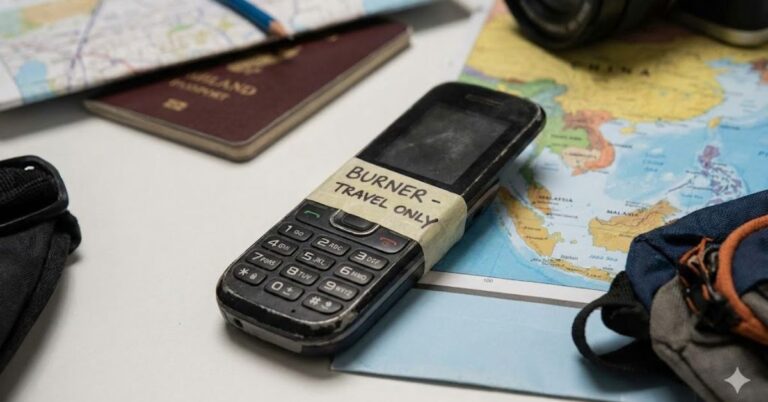
Imagine this: You are navigating the bustling streets of Barcelona or backpacking through Southeast Asia. You reach into your pocket to check Google Maps, and your heart drops your $1,200 smartphone is gone.
In an instant, you’ve lost your camera, your banking apps, your contacts, and your lifeline back home.
This scenario is the primary reason veteran travelers are turning back the clock and packing a burner phone for travel. Whether you are a digital nomad protecting sensitive client data or a tourist worried about pickpockets, carrying a secondary, inexpensive device is one of the smartest travel insurance policies you can buy.
In this guide, we will break down exactly why you need one, how to set it up, and the best options available today.
Table of Contents
What is a Travel Burner Phone?
In pop culture, a “burner” is often associated with spies or illicit activities. In the context of travel, however, it is simply a disposable or low-cost phone used temporarily to keep your main device (and the data on it) safe.
It serves two main purposes:
- Physical Security: If it gets lost, broken, or stolen, it’s a minor inconvenience ($30–$100) rather than a disaster.
- Digital Privacy: It minimizes your digital footprint, protecting your main accounts from unsecured public Wi-Fi or intrusive border searches.
3 Reasons You Need a Secondary Phone Abroad
While it might feel counterintuitive to carry two devices, the benefits outweigh the bulk.
1. Protection Against Theft and Loss
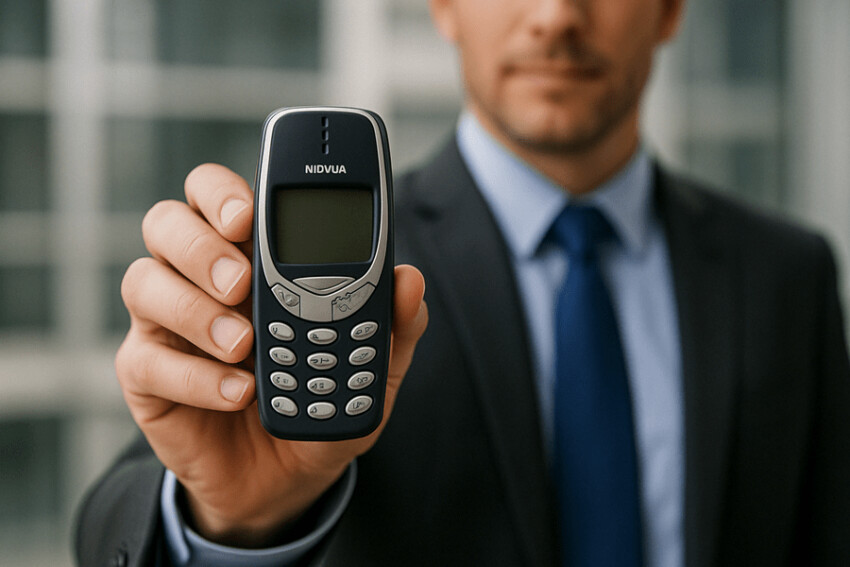
Tourist hotspots are magnets for pickpockets. If you are using a burner phone for travel while walking down the street, you aren’t flashing a high-value target like the latest iPhone or Samsung Galaxy. If you are mugged, handing over a cheap Nokia is much safer and less painful than surrendering your primary device.
2. Data Privacy and Border Security
In certain countries, border agents have the authority to demand access to your electronic devices. By crossing the border with a “clean” burner phone that has no email, banking apps, or social media logged in, you protect your personal privacy.
3. Battery Life That Lasts for Days
Modern smartphones struggle to last a full day of heavy roaming. A classic feature phone or a budget Android burner can often last 3 to 5 days on a single charge, ensuring you always have a way to call emergency services or your hotel.
Smartphone vs Feature Phone: Which Burner Should You Choose?
When selecting a device, you generally have two categories to choose from. Your choice depends on your “Search Intent” do you need a digital detox, or do you still need maps and WhatsApp?
| Feature | Dumb Phone (Feature Phone) | Cheap Smartphone (Budget Android) |
| Battery Life | Excellent (Weeks) | Average (1 Day) |
| Cost | Low ($20 – $50) | Medium ($60 – $150) |
| Apps | Calls/Texts only | WhatsApp, Maps, Uber, Grab |
| Theft Appeal | Very Low | Low to Medium |
| Best For | total disconnection, emergencies | navigation, ride-sharing, chat |
The “Dumb” Phone Route
If you want to completely disconnect and only need a device for local calls and SMS, a classic Nokia is indestructible and cheap. This is ideal for extreme adventure travel where ruggedness matters more than Instagram.
The Budget Android Route
For most travelers, a cheap, older Android is the superior burner phone for travel. You can install essential travel apps like Google Maps, Uber, or local equivalents (like Grab in Asia) without logging into your primary Google account. You simply side-load the apps or create a temporary “travel” Google account.
Pro Tip: If you choose a smartphone burner, ensure it is unlocked. Carrier-locked phones will not work with local SIM cards abroad.
How to Set Up Your Burner Phone for Maximum Security?
Buying the phone is step one. Setting it up correctly is where the real security happens. Follow this checklist before you board your flight.
Step 1: Factory Reset and Update
If you are using an old phone you found in a drawer, perform a factory reset to wipe old data. Update the operating system to patch any security vulnerabilities.
Step 2: Create a “Burner” Identity
Do not log in with your primary Gmail or Apple ID. Create a dedicated travel email address. This ensures that if the phone is compromised, the thief cannot access your primary cloud backups, photos, or emails.
Step 3: Load Only Essentials
Install only what you need to survive.
- Navigation: Google Maps (download offline maps to save data).
- Communication: WhatsApp or Signal.
- Transport: Uber/Lyft/Grab.
- Browsing: A privacy-focused browser like Firefox or Brave.
Step 4: Get a Local SIM or eSIM
Avoid expensive roaming charges from your home carrier. Upon arrival, purchase a prepaid local SIM card. If your burner phone supports it, an eSIM is even more convenient as you can set it up before you land.
Top Candidates: Best Burner Phones for Travel in 2024
Based on durability, battery life, and price, here are three top recommendations.
1. Nokia 105 (The Classic Choice)
- Type: Feature Phone
- Why it wins: It costs less than a fancy dinner, the battery lasts a month on standby, and it has a built-in flashlight. It is the ultimate “emergency only” phone.
2. Samsung Galaxy A03s (The Smart Choice)
- Type: Budget Smartphone
- Why it wins: It has a large screen for maps and a battery that handles GPS well. It’s cheap enough that losing it won’t ruin your trip, but functional enough to book a hostel.
3. CAT B26 (The Rugged Choice)
- Type: Rugged Feature Phone
- Why it wins: Drop-proof, dust-proof, and waterproof. If your travels involve hiking, rafting, or camping, this is the tank you want in your pocket.
Advanced Tactics: Managing Your Main Phone
If you bring a burner, what do you do with your main phone?
Most travelers still bring their primary device but keep it in the hotel safe. They use the burner phone for travel when out at bars, beaches, or crowded markets.
- Forwarding: Set up call forwarding from your main number to your burner’s VoIP number (like Skype or Google Voice) so you don’t miss urgent calls.
- The Tether: In a pinch, you can use your burner phone as a mobile hotspot to give your main phone Wi-Fi access in the safety of your hotel room.
Conclusion:
Travel should be about exploration, not anxiety. By adding a burner phone for travel to your packing list, you are buying peace of mind. You can navigate unknown streets and communicate with locals without the constant fear of losing your digital life to a pickpocket or a spilled drink.
Whether you choose a $20 brick or a budget smartphone, the separation of your travel data from your personal life is a strategy used by the pros. Stay safe, stay connected, and travel smarter.
Ready to gear up for your next trip?
Frequently Asked Questions:
Can I use WhatsApp on a burner phone?
Yes, provided you choose a budget smartphone (Android or iOS) or a smart feature phone running KaiOS (like the Nokia 6300 4G). Standard “dumb” phones cannot run WhatsApp.
Do I need a new SIM card for a burner phone?
Yes. To use local data and make local calls, you will need a prepaid local SIM card or an international eSIM. You can also use your home SIM if you are willing to pay roaming fees, but a local SIM is usually cheaper.
What is the difference between a burner phone and a dummy phone?
A burner phone is a functional device you use for maps and calls. A dummy phone is a broken or fake phone you carry solely to hand over to a mugger to protect your real devices.
Will a burner phone work in every country?
Not always. You must check that the phone is “unlocked” (not tied to a specific carrier) and that it supports the GSM network frequencies used in your destination country. Quad-band phones generally work globally.
