

You’ve just jumped into the pool to cool off, or maybe you stepped into the shower after a long workout. Suddenly, panic sets in you forgot to take off your watch. You immediately ask yourself, “Is my Apple Watch waterproof?“
It is one of the most common questions among Apple users, but the answer isn’t a simple “yes” or “no.”
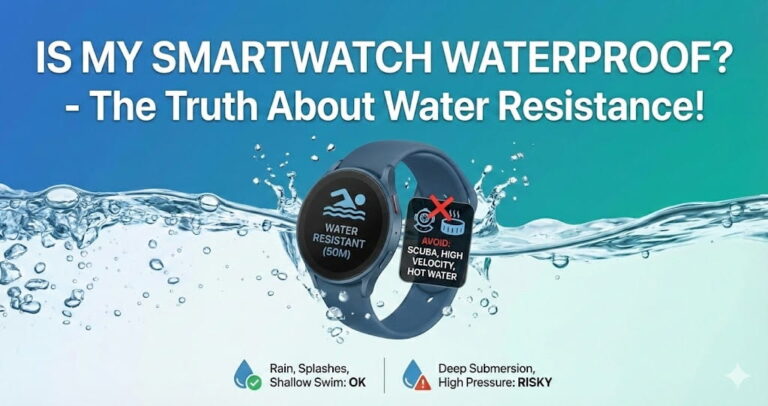
Here is the short answer: No Apple Watch is technically 100% “waterproof.” However, most modern models are highly water-resistant. Understanding the difference between these two terms is critical to keeping your device safe.
In this guide, we will break down exactly what your specific model can handle, whether you can swim or shower with it, and how to use the Water Lock feature correctly.
Table of Contents
Waterproof vs. Water-Resistant: What’s the Difference?
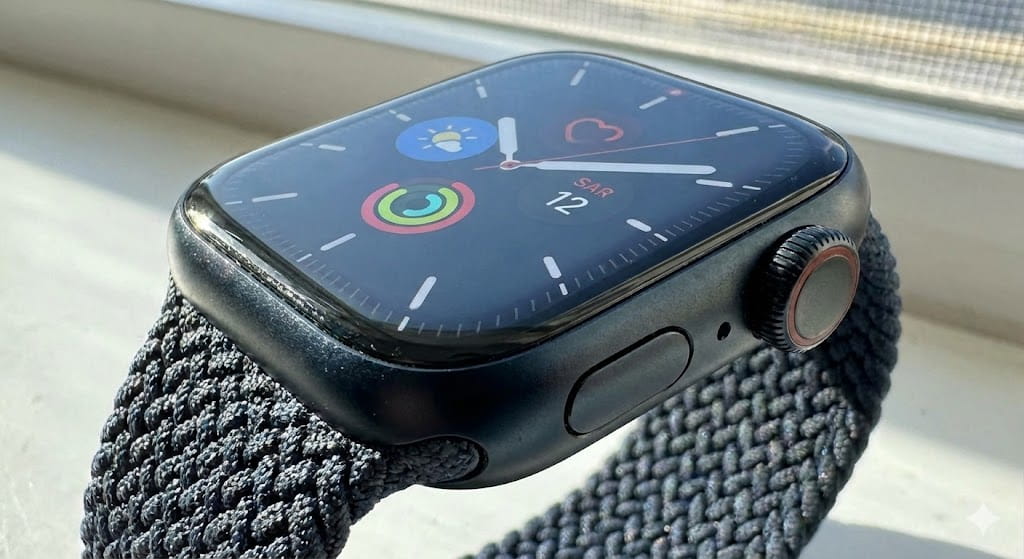
Before we dive into the specific models, we need to clarify a massive misconception. Apple explicitly states that “Apple Watch is water resistant, but not waterproof.”
- Waterproof: Impervious to water; water cannot enter the device under any conditions.
- Water-Resistant: The device can stop water from entering to a certain degree, usually defined by depth or pressure (like 50 meters).
Over time, water resistance seals can degrade. This means a watch that was perfectly safe to swim with three years ago might not be as resistant today.
Water Resistance Ratings by Model:
To know if your device is safe, you need to identify which series you own. Here is the breakdown:
| Apple Watch Model | Water Resistance Rating | Best For |
| Series 1 | IPX7 (Splash Resistant) | Hand washing, sweat, light rain. No submersion. |
| Series 2 through Series 9 | 50 Meters (ISO 22810:2010) | Swimming (pool/ocean), showering, shallow water activities. |
| Apple Watch SE (All Gen) | 50 Meters | Swimming, showering, snorkeling. |
| Apple Watch Ultra 1 & 2 | 100 Meters (ISO 22810) | Recreational scuba diving (to 40m), high-speed water sports. |
Note: If you have the original Apple Watch (Series 0) or Series 1, it is splash and water resistant, but you should not submerge it in water.
Can I Swim With My Apple Watch?
If you own an Apple Watch Series 2 or newer, the answer is yes. You can use it for shallow-water activities like swimming in a pool or ocean.
Apple has designed these models with swimming workouts in mind. They track laps, strokes, and calorie burn effectively.
The “High-Velocity” Exception:
While swimming is fine, you should avoid high-velocity water sports (like water skiing or wakeboarding) unless you have the Apple Watch Ultra. The pressure from water hitting the watch at high speeds can breach the seals of standard Series or SE models.
Can I Go Scuba Diving?
- Series 2–9 & SE: No. These are not dive computers.
- Apple Watch Ultra: Yes. It is certified for recreational scuba diving up to 40 meters (130 feet) and serves as a fully functional dive computer with the Oceanic+ app.
The Shower & Soap Dilemma: Can I Shower With It?
This is where many users accidentally damage their devices. While you can shower with a Series 2 or newer, it is generally recommended that you don’t.
Here is why:
- Soaps and Shampoos: Chemicals in soaps, shampoos, and conditioners can negatively affect the acoustic membranes and water seals over time.
- Steam: Steam behaves differently than liquid water. Heat and steam can penetrate seals easier than cold water, potentially causing internal condensation.
- Lotions and Perfumes: Like soap, these can degrade the glue and gaskets that keep the water out.
If you do shower with your watch, keep it away from soaps and rinse it with fresh, warm water immediately afterward.
How to Use the Water Lock Feature?
Many people believe the “Water Lock” (the water drop icon) physically seals the watch. It does not. The seals are always passive.
What Water Lock actually does:
- Locks the touch screen so water droplets don’t trigger accidental taps (ghost touches).
- Ejects water from the speaker cavity after you turn the mode off.
Step-by-Step: How to Eject Water:
If you are going for a swim or just washed your hands, here is how to handle it:
- Activate: Swipe up to open Control Center and tap the Water Drop icon. The screen is now locked.
- Deactivate: Press and hold the Digital Crown (on older watchOS, you turn the Crown).
- Eject: You will hear a series of beeps. This sound vibrates the speaker diaphragm to physically push water out of the speaker grill.
What To Do If Your Apple Watch Gets Wet?
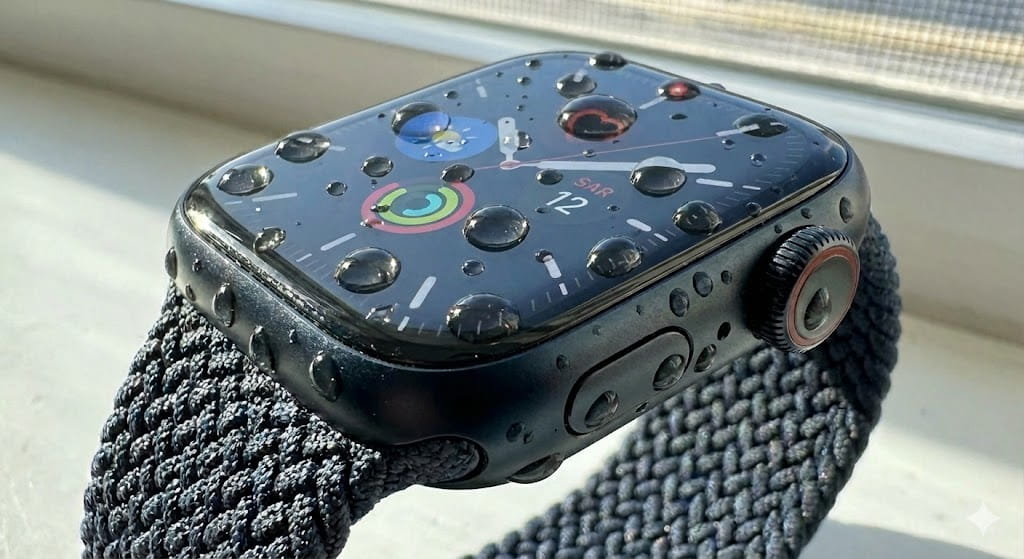
If your watch takes a dunk, don’t panic. Just follow these steps to ensure it dries out safely:
- Rinse it off: If it was in salt water, pool chemicals, or soapy water, rinse it gently with fresh tap water.
- Dry it: Wipe it with a non-abrasive, lint-free cloth.
- Eject water: Use the Water Lock feature mentioned above to clear the speakers.
- Charge carefully: Never charge your Apple Watch while it is wet. Make sure the back of the watch and the charger are completely dry before connecting them.
Can Water Resistance Wear Off?
Yes. Water resistance is not a permanent condition. The following can degrade the water protection on your device faster:
- Dropping the watch or subjecting it to other impacts.
- Exposing it to soap, solvent, or perfume.
- Exposing it to high-velocity water (water skiing).
- Wearing it in a steam room or sauna (heat is a seal killer).
If you are buying a second-hand Apple Watch, be cautious. You cannot visually check if the internal seals are intact.
Conclusion:
So, is my Apple Watch waterproof? While the answer is technically “no,” for 99% of users with a Series 2 or later, it is “swim-proof” enough to handle your daily lap swimming, a sudden rainstorm, or a dip in the ocean.
Just remember the golden rules: Avoid soaps and high heat, rinse off salt water immediately, and always use the Water Lock feature to clear your speakers. By taking these small precautions, you can keep your tech ticking even in the deep end.
Frequently Asked Questions:
Can I wear my Apple Watch in the sauna?
No. You should avoid saunas and steam rooms. The combination of high heat and steam can compromise the seals much faster than liquid water.
Is the Apple Watch Ultra completely waterproof?
Even the Ultra is not “waterproof” by definition, but it is water-resistant to 100 meters. It is the only Apple Watch safe for high-speed water sports and recreational diving.
Does AppleCare+ cover water damage?
Generally, Apple’s standard warranty does not cover liquid damage. However, if you have AppleCare+, it usually covers accidental damage, which can include liquid damage, subject to a service fee.
Can I wear my Apple Watch in the ocean?
Yes, if it is Series 2 or later. However, salt acts as a corrosive. You must rinse the watch with fresh water immediately after leaving the ocean to prevent salt crystals from damaging the Digital Crown or seals.
